Koragraph
Local multi-repo code graph over MCP. Blast radius, call graphs, and memory anchored to code.
The ultimate context layer for your AI coding agent.
Completely free. Runs entirely on your machine.
A local knowledge graph of every repo you point it at, plus a memory layer that knows when the code it remembers has changed.





Install
npm install -g koragraphmcp
koragraph ingest /path/to/repo        # point it at as many repos as you like
claude mcp add koragraph -s user -- koragraph mcp
koragraph doctor checks the whole chain and prints the exact line for any editor.
Two ways to use it from here: your agent calls the tools over MCP, or you (or a script, or a Claude
Code hook) run them straight from the shell, for example koragraph explore "how does checkout work"
or koragraph blast src/pay.js. Same graph either way.
Then run KORAINIT in your editor
This is the step that lights up the memory layer, so don't skip it. In your coding agent (Claude Code, Cursor, Windsurf, whatever you use), tell it:
"Read
KORAINIT.mdand follow it."
It imports your existing CLAUDE.md / AGENTS.md into koragraph's memory, anchored to the code
each rule is about, flags any rule that points at code that's already gone, and finishes wiring
koragraph into the session. Run it once per project.
Prefer zero setup? Hand the whole thing to your agent instead. Paste this from the repo you want indexed, and it installs, indexes, wires itself in, and runs KORAINIT for you:
Install koragraph and set it up for this repo, then report back:
1. npm install -g koragraphmcp
2. koragraph ingest .
3. koragraph doctor, then run the `claude mcp add …` line it prints (or wire `koragraph mcp` into
   my editor's MCP config).
4. Find KORAINIT.md in the installed package (`npm root -g`, then koragraphmcp/KORAINIT.md) and
   follow it: it imports my existing CLAUDE.md / AGENTS.md into memory, verified against the code.
Report: nodes/edges indexed, whether the MCP connected, and KORAINIT's summary.
Works with










Adoption is highest on Claude Code: its hooks let koragraph put the graph in front of the agent on every turn, so it actually gets used instead of falling back to grep. Other editors reach koragraph over MCP, where the agent decides when to call it.
One map of everything you've built
Koragraph turns every repo you point it at into one live graph: a resolved structure, with an edge only where there really is one.
- Every service, file, endpoint, and table.
- The real calls between them, resolved against the syntax tree, not guessed by name.
- The edges that cross a repo boundary, where single-repo tools go quiet.
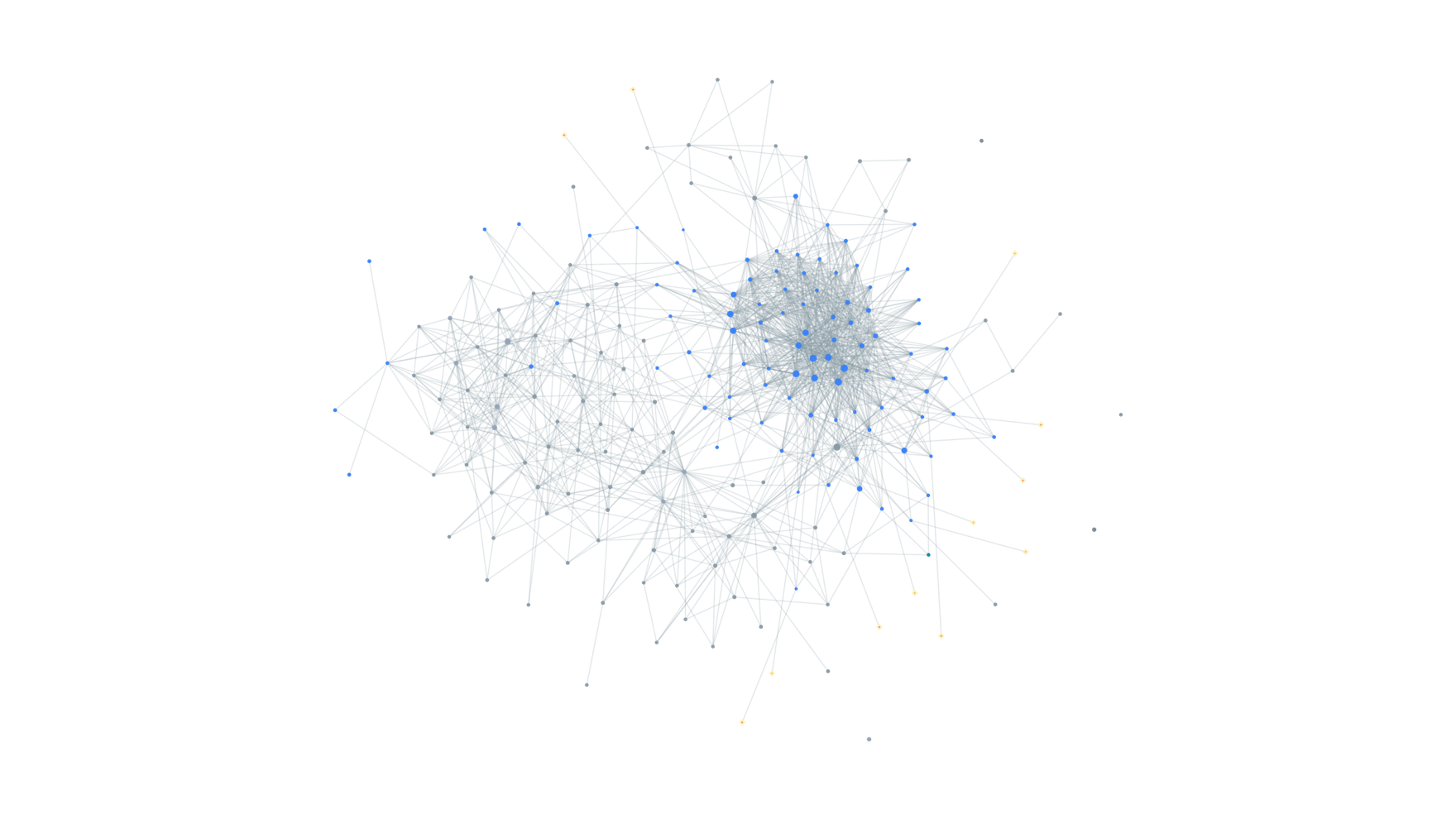
koragraph serve: code (cool nodes) and its memory (gold diamonds), one local page.
A memory that knows when the code changed
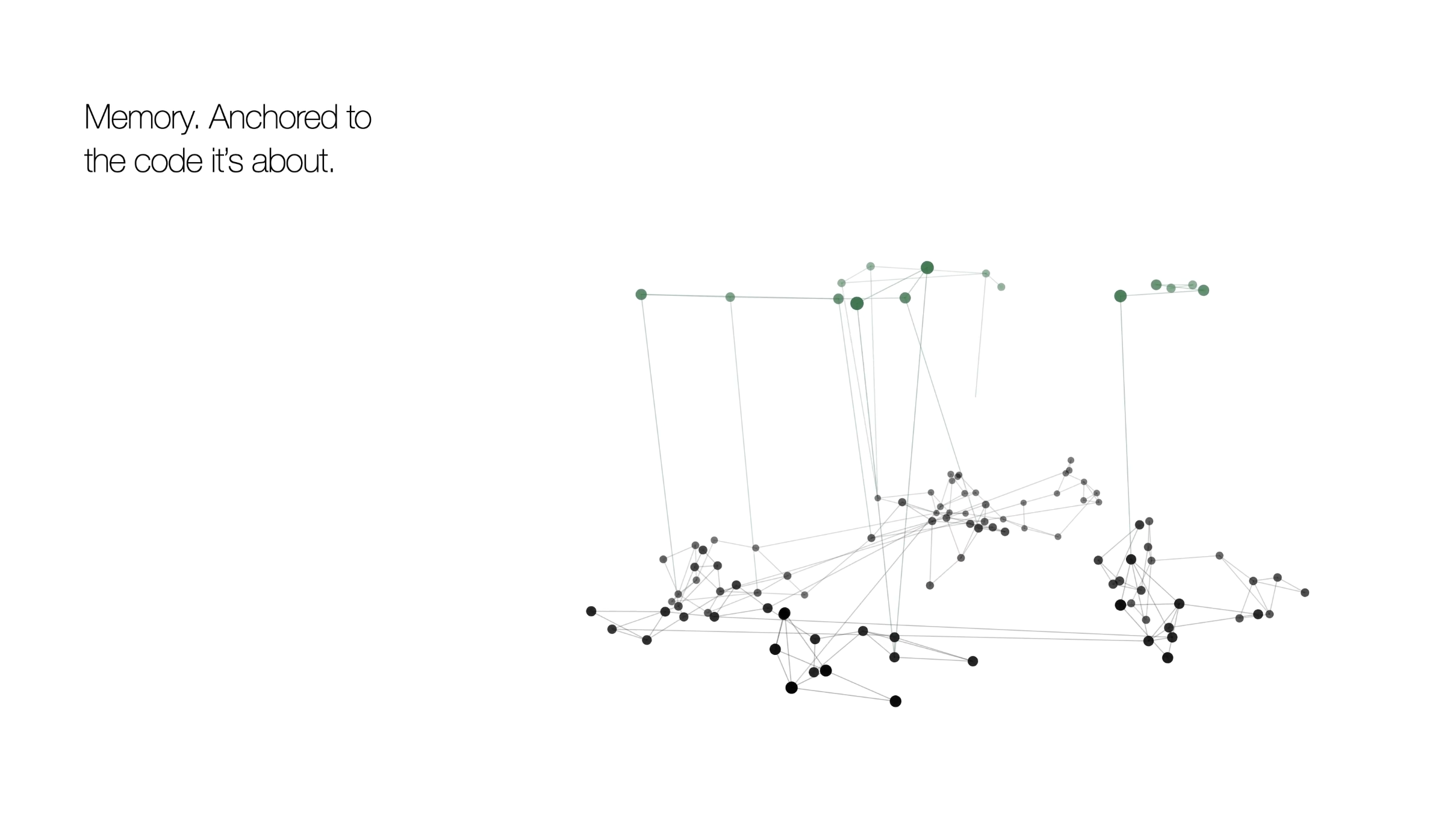
Everything your agent learns is saved locally, anchored to the exact declaration, not a line
number. Rename the code and the fact follows; delete it and the fact retires. No CLAUDE.md to
maintain, and it survives every upgrade.
- Failures and their fixes. The fix surfaces before you hit the same wall twice.
- Hazards, rules, corrections. Stated once, honoured every session after.
- The "let's push this to Wednesday." Deferrals and half-finished intent, parked against the code and surfaced the moment you're back.
Measurably the most accurate, scored by the compilers
Every graph is graded by an independent compiler front-end (CPython ast, go/parser, Roslyn,
syn, tsc, Ripper, php-ast, ctags, swiftc), never the tool under test. koragraph wins 34 of
39 language×plane cells, and leads precision on all 39.
Call-graph recall, the hardest plane:
| Language | koragraph | CodeGraph | GitNexus | Graphify |
|---|---|---|---|---|
| JavaScript | 87.6 | 39.4 | 41.9 | 45.1 |
| TypeScript | 70.6 | 55.2 | 50.2 | 44.2 |
| Python | 86.1 | 85.1 | 54.6 | 53.3 |
| Go | 89.1 | 85.0 | 63.8 | 65.3 |
| Java | 86.0 | 73.1 | 68.6 | 53.5 |
| C# | 83.6 | 79.8 | 50.5 | 54.4 |
| PHP | 88.9 | 88.0 | 77.1 | 31.7 |
| Ruby | 51.5 | 41.3 | 28.7 | 40.8 |
| Rust | 68.7 | 76.5 | 48.9 | 47.6 |
Reproduces from test/benchmark: pinned corpus, pinned competitor versions,
pinned oracles. Full breakdown in test/benchmark/REPORT.md.
The tools
Nine tools, reachable two ways: as MCP tools in your editor, and as CLI commands in your
shell. On Claude Code a hook also calls the CLI to push the relevant slice into context on every
turn, so the graph gets used whether or not the agent thinks to ask. Every tool returns file:line,
never pasted source. Exactly one writes.
| Tool | Shell | What it's for |
|---|---|---|
blast_radius | koragraph blast <files…> | Run before editing. Everything that depends on this, across repos, and what has no test coverage. |
explore | koragraph explore "<symbol or phrase>" | Ranked declarations, source, callers, callees, in one call. |
search_code | koragraph search <name> | Find a name in the graph, not raw text. |
neighbours | koragraph neighbours <symbol> | Callers and callees of one symbol. |
changes_with | koragraph cochange <symbol> | What has historically shipped together with a symbol. |
file_symbols | koragraph symbols <file> | Declarations in one file. |
overview | koragraph overview | Orient on turn one, across every repo. |
recall | koragraph recall <symbol> | A past failure and its fix, a hazard, an open loop. |
remember | koragraph remember "<fact>" | Save a durable, code-anchored fact. The only writer. |
Every query verb takes --format compact|json|paths and --budget <tokens>, so a result can be
trimmed before it ever enters an agent's context. Plus the operational CLI: ingest, serve,
status, doctor, diff, trace, hooks, practice, report.
Languages
c · c++ · c# · go · java · javascript · php · python · ruby · rust · swift ·
typescript / tsx, fully resolved, tree-sitter throughout. Plus experimental kotlin · scala ·
elixir · solidity · vue · zig · objective-c · ocaml · rescript.
License
BUSL-1.1. Free to use, including at work. Converts to Apache-2.0 on the change date.
Built by Akhil Katakam · Ethan Faleiro · founders@koragraph.in
Installation
Source-derived launch command. Check the maintainer’s required arguments and credentials before running:
npx -y koragraphmcpSet up in your AI client
Merge this template into ~/Library/Application Support/Claude/claude_desktop_config.json. Keep existing servers. Add any arguments, credentials, and permissions required by the maintainer; this template has not been install-tested.
{
  "mcpServers": {
    "in-koragraph-koragraph": {
      "command": "npx",
      "args": [
        "-y",
        "koragraphmcp"
      ]
    }
  }
}
Restart Claude Desktop completely for changes to take effect. Confirm the server appears connected in the client’s tool list, then try a read-only example from its documentation.
Claude Desktop setup referencePackage
Compatible MCP Clients
Koragraph works with any MCP-compatible client. Copy the config snippet from the Configuration section above and add it to the file shown for your client, then restart the application.
- Claude Desktop
~/Library/Application Support/Claude/claude_desktop_config.jsonRestart Claude Desktop completely for changes to take effect. - Cursor
~/.cursor/mcp.jsonRestart Cursor for changes to take effect. - VS Code
.vscode/mcp.jsonReload VS Code window for changes to take effect. - Windsurf
~/.codeium/windsurf/mcp_config.jsonRestart Windsurf for changes to take effect. - Claude Code
.mcp.jsonSave at the project root, then start Claude Code in that project and review the MCP server approval prompt. Keep real credentials out of shared files.