io.github.GeiserX/spinnaker-mcp
MCP server exposing Spinnaker CD platform via Gate API for pipeline and deployment management
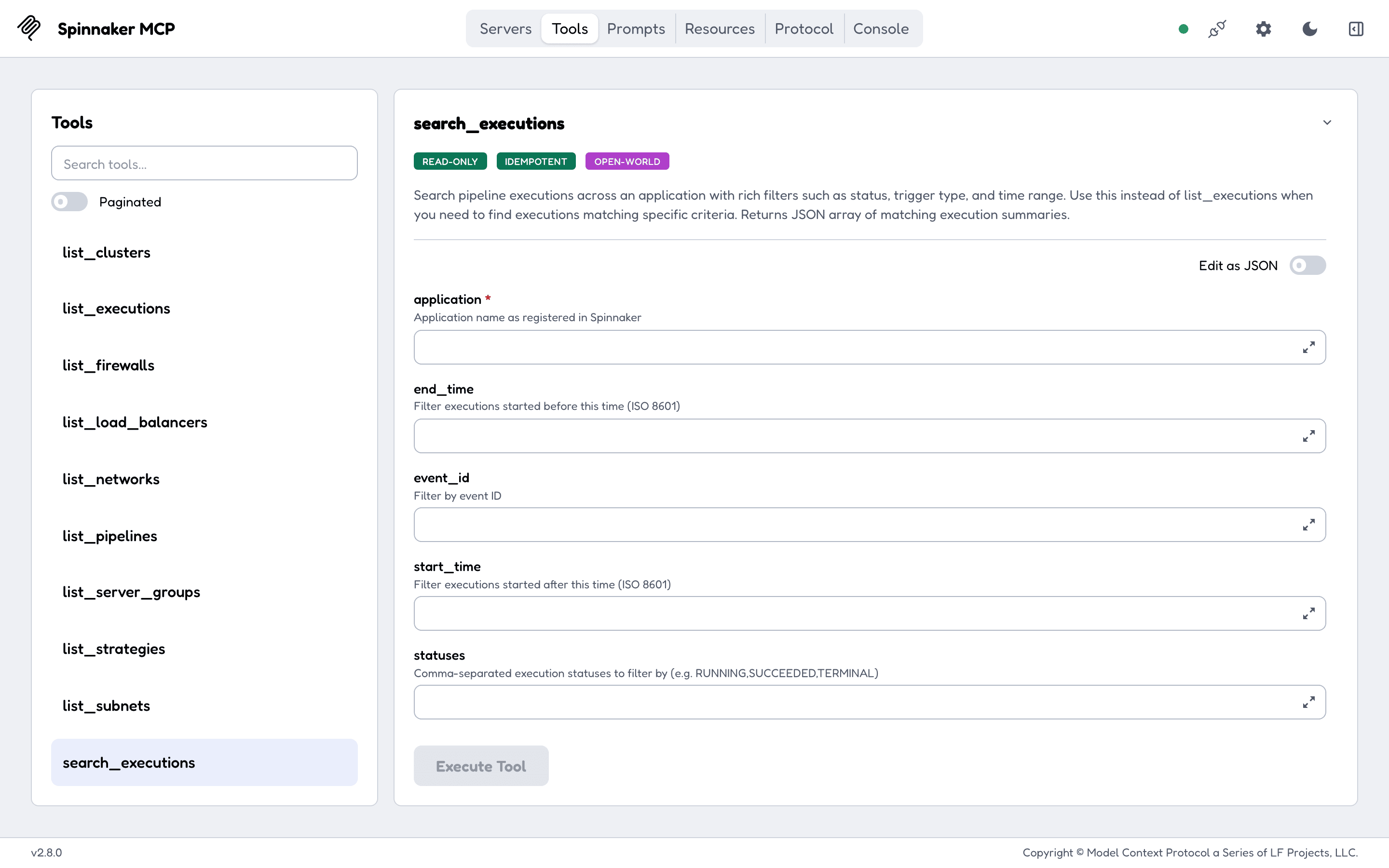
It gives an LLM 37 tools to read and operate Spinnaker: applications, pipelines, executions, strategies and infrastructure.
Features
- Applications and pipelines: list, read, trigger, save, update and delete pipelines, with revision history.
- Executions: list, search by trigger type, time range and status, cancel, pause, resume, restart a stage, evaluate SpEL.
- Deployment strategies: list, save and delete.
- Infrastructure: server groups, load balancers, clusters, firewalls, instances and console output, images, networks, subnets, accounts.
- Orchestration task status (deploy, resize, rollback).
- Bearer token, basic auth or x509 client certificate against Gate.
- stdio or HTTP transport; HTTP binds to
127.0.0.1by default. - Ships as an npm package (
npx spinnaker-mcp), a Docker image and multi-arch Go binaries.
Quick start
Add the server to your MCP client (Claude Code, Claude Desktop, Cursor):
{
  "mcpServers": {
    "spinnaker": {
      "command": "npx",
      "args": ["-y", "spinnaker-mcp"],
      "env": { "GATE_URL": "https://spin-gate.example.com", "GATE_TOKEN": "your-token-here" }
    }
  }
}
Needs Node 18 or newer; the npm package runs the Go binary over stdio. Docker, local builds and the other credentials are in Getting started.
Documentation
The full documentation is at geiserx.github.io/spinnaker-mcp.
- Getting started: npm, Docker, Helm, local build, and the client configuration
- Configuration: every environment variable, the read-only toolset, the HTTP endpoints
- Usage: the 37 tools and which ones change Spinnaker, the 10 resources, the 5 prompts
- Development: testing, contributing, credits
- Related projects: the other MCP servers and the registry listings
License
Installation
Source-derived launch command. Check the maintainer’s required arguments and credentials before running:
npx -y spinnaker-mcpSet up in your AI client
Merge this template into ~/Library/Application Support/Claude/claude_desktop_config.json. Keep existing servers. Add any arguments, credentials, and permissions required by the maintainer; this template has not been install-tested.
{
  "mcpServers": {
    "io-github-geiserx-spinnaker-mcp": {
      "command": "npx",
      "args": [
        "-y",
        "spinnaker-mcp"
      ]
    }
  }
}
Restart Claude Desktop completely for changes to take effect. Confirm the server appears connected in the client’s tool list, then try a read-only example from its documentation.
Claude Desktop setup referencePackage
spinnaker-mcpnpmCompatible MCP Clients
io.github.GeiserX/spinnaker-mcp works with any MCP-compatible client. Copy the config snippet from the Configuration section above and add it to the file shown for your client, then restart the application.
- Claude Desktop
~/Library/Application Support/Claude/claude_desktop_config.jsonRestart Claude Desktop completely for changes to take effect. - Cursor
~/.cursor/mcp.jsonRestart Cursor for changes to take effect. - VS Code
.vscode/mcp.jsonReload VS Code window for changes to take effect. - Windsurf
~/.codeium/windsurf/mcp_config.jsonRestart Windsurf for changes to take effect. - Claude Code
.mcp.jsonSave at the project root, then start Claude Code in that project and review the MCP server approval prompt. Keep real credentials out of shared files.