mcp-retriever
One MCP server for web search, page extraction, and cited research.
mcp-retriever
One MCP server for web search, page extraction, and cited research. Use your own providers, combine their results, and keep API keys out of client configs.
- Search together: query two or three providers, deduplicate URLs,
and merge rankings with
web_search_fused. - Read more: extract pages, crawl sites, and recover 404/410 pages from Wayback Machine snapshots when archive fallback is enabled.
- Control usage: optional spending caps for provider-reported usage, cooldowns, and paged access to large results.
Supports Tavily, Brave, Exa, You.com, SearXNG, GitHub, Linkup, Firecrawl, and Context.dev. Configure only what you use.
Quickstart
Requires Node.js 22+ and a provider key, or your own SearXNG instance.
npx -y mcp-retriever setup
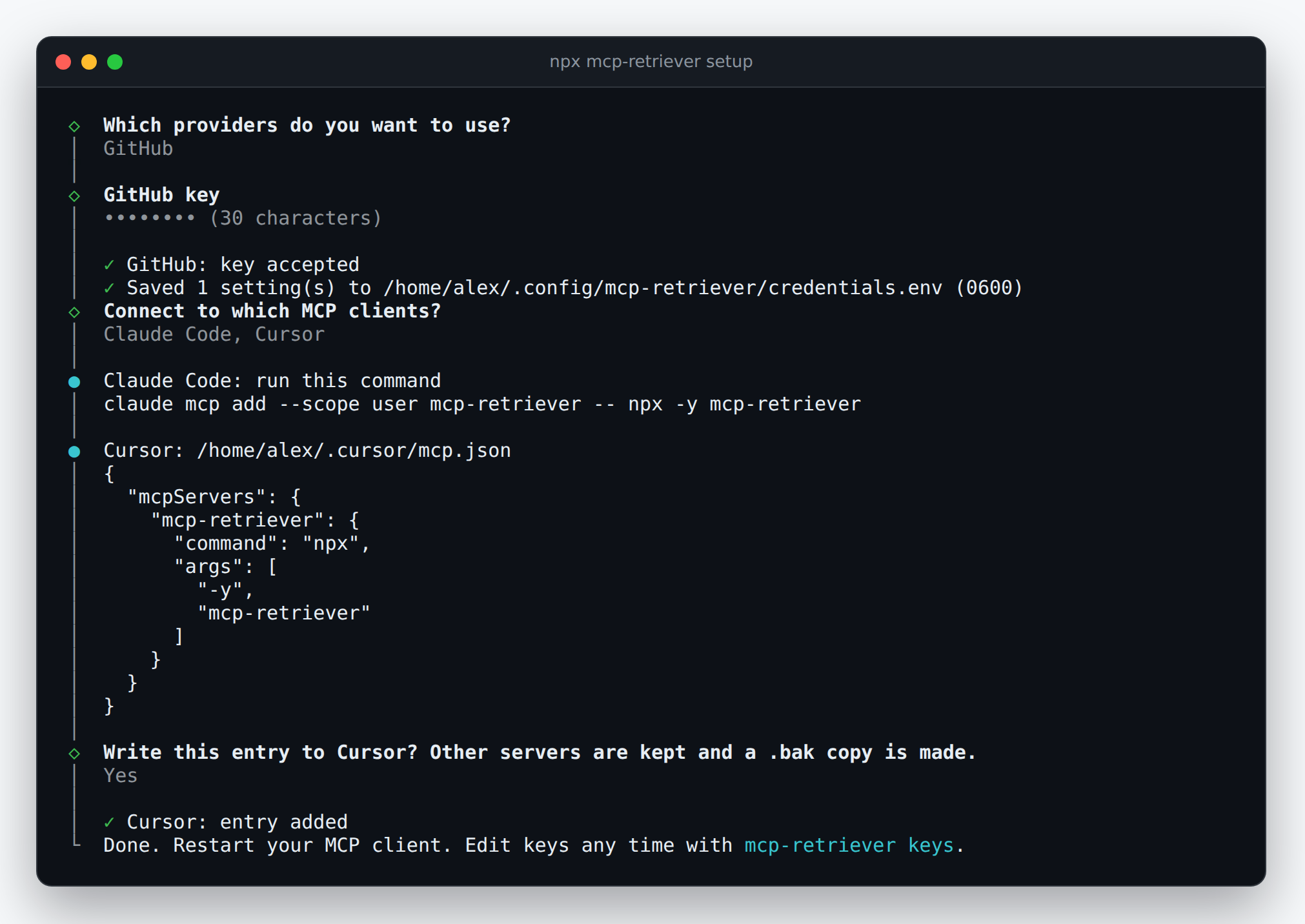
Choose providers, save keys privately, and connect your MCP client. The wizard writes Claude Desktop and Cursor entries, or shows the command/configuration for Claude Code and Codex. Billable key checks require consent.
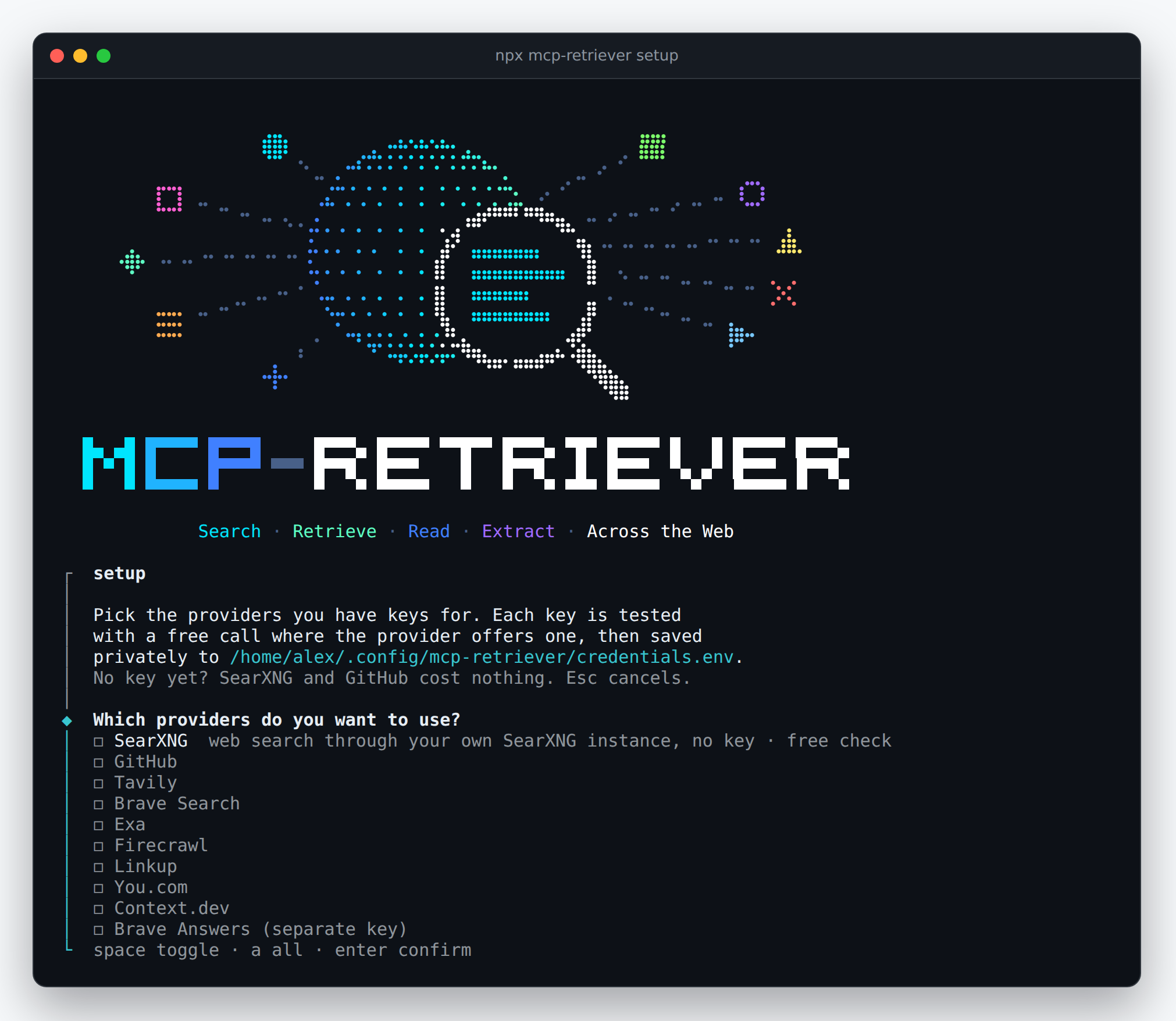
Keys are stored in ~/.config/mcp-retriever/credentials.env, not in
client configs. Restart your client after setup.
Client connection and key management
Add, test, or remove keys:
npx mcp-retriever keys
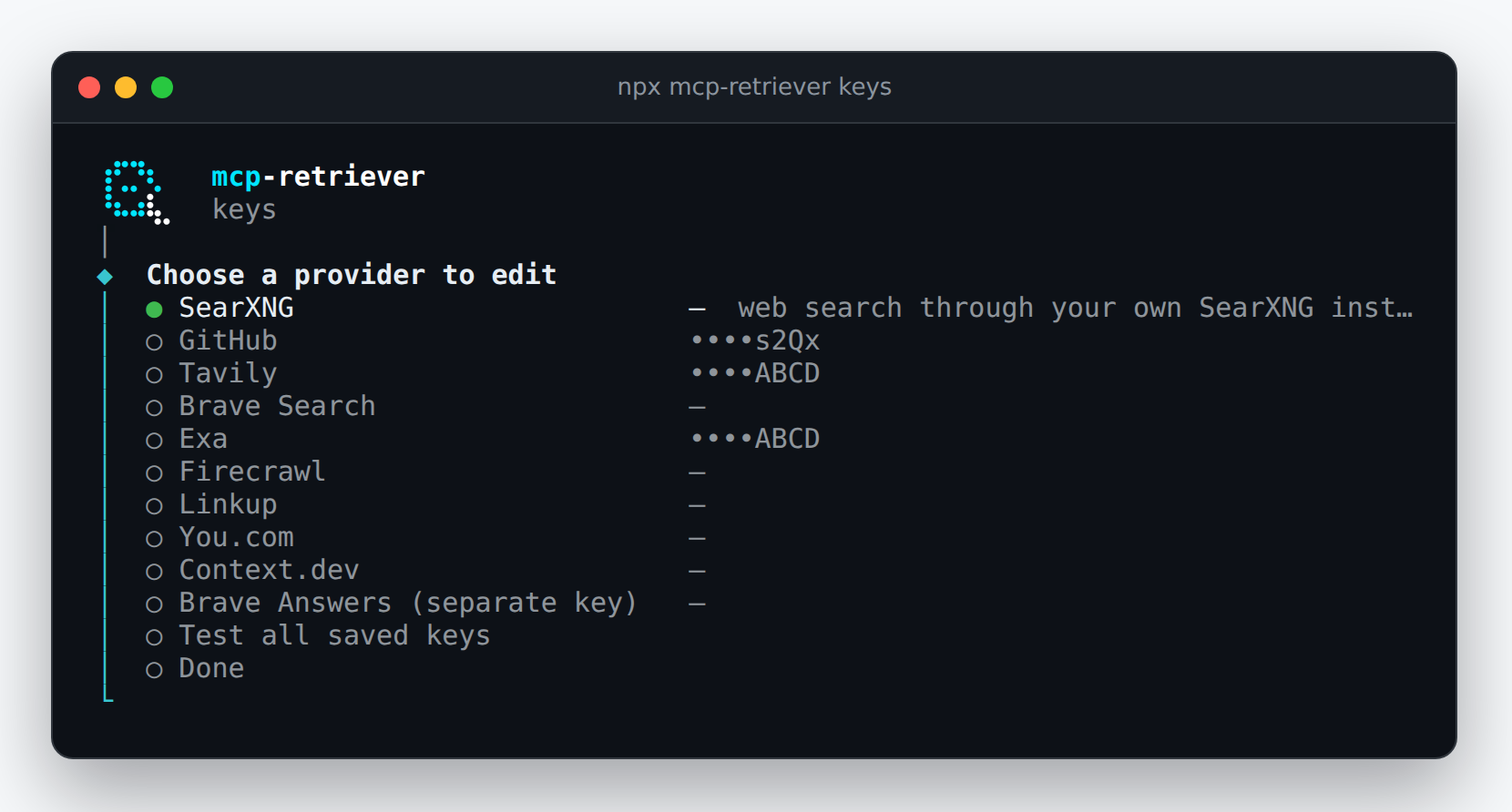
Screenshots show a demo session with fixture credentials and a mocked key-check response, not a live provider validation.
Example
Call web_search_fused with two configured search providers:
{
	"query": "reciprocal rank fusion hybrid search",
	"providers": ["brave", "exa"],
	"limit": 3
}
Results include source providers and merged rankings. If a provider fails, available results are returned with per-provider status.
Documentation
- Configuration: keys, manual client setup, providers, and spending controls.
- Search and read: retrieving pages and handling large results.
- Tool groups: choose which capabilities to expose.
- Deployment: remote HTTP access and operations.
- Contributing: build from source and run checks.
Each server instance shares one trust boundary. Do not use its result store for mutually untrusted clients. Spending caps depend on provider-reported usage, not estimated costs.
License and origins
MIT.
Formerly named mcp-omnisearch; a maintained fork of Scott Spence's
mcp-omnisearch. When
upgrading this fork, rename OMNISEARCH_* settings to RETRIEVER_*,
omnisearch:// resources to retriever://, and _meta.omnisearch to
_meta.retriever. Preserve the old result store and spending ledger
when moving to ~/.cache/mcp-retriever/results; Docker/MCPO clients
must also change /omnisearch to /retriever.
Installation
Source-derived launch command. Check the maintainer’s required arguments and credentials before running:
npx -y mcp-retrieverSet up in your AI client
Merge this template into ~/Library/Application Support/Claude/claude_desktop_config.json. Keep existing servers. Add any arguments, credentials, and permissions required by the maintainer; this template has not been install-tested.
{
  "mcpServers": {
    "io-github-keiranhaax-mcp-retriever": {
      "command": "npx",
      "args": [
        "-y",
        "mcp-retriever"
      ]
    }
  }
}
Restart Claude Desktop completely for changes to take effect. Confirm the server appears connected in the client’s tool list, then try a read-only example from its documentation.
Claude Desktop setup referencePackage
Compatible MCP Clients
mcp-retriever works with any MCP-compatible client. Copy the config snippet from the Configuration section above and add it to the file shown for your client, then restart the application.
- Claude Desktop
~/Library/Application Support/Claude/claude_desktop_config.jsonRestart Claude Desktop completely for changes to take effect. - Cursor
~/.cursor/mcp.jsonRestart Cursor for changes to take effect. - VS Code
.vscode/mcp.jsonReload VS Code window for changes to take effect. - Windsurf
~/.codeium/windsurf/mcp_config.jsonRestart Windsurf for changes to take effect. - Claude Code
.mcp.jsonSave at the project root, then start Claude Code in that project and review the MCP server approval prompt. Keep real credentials out of shared files.