io.github.borgi-s/dfxm-geo-mcp
MCP server for the dfxm-geo dark-field X-ray microscopy forward model
dfxm-geo-mcp
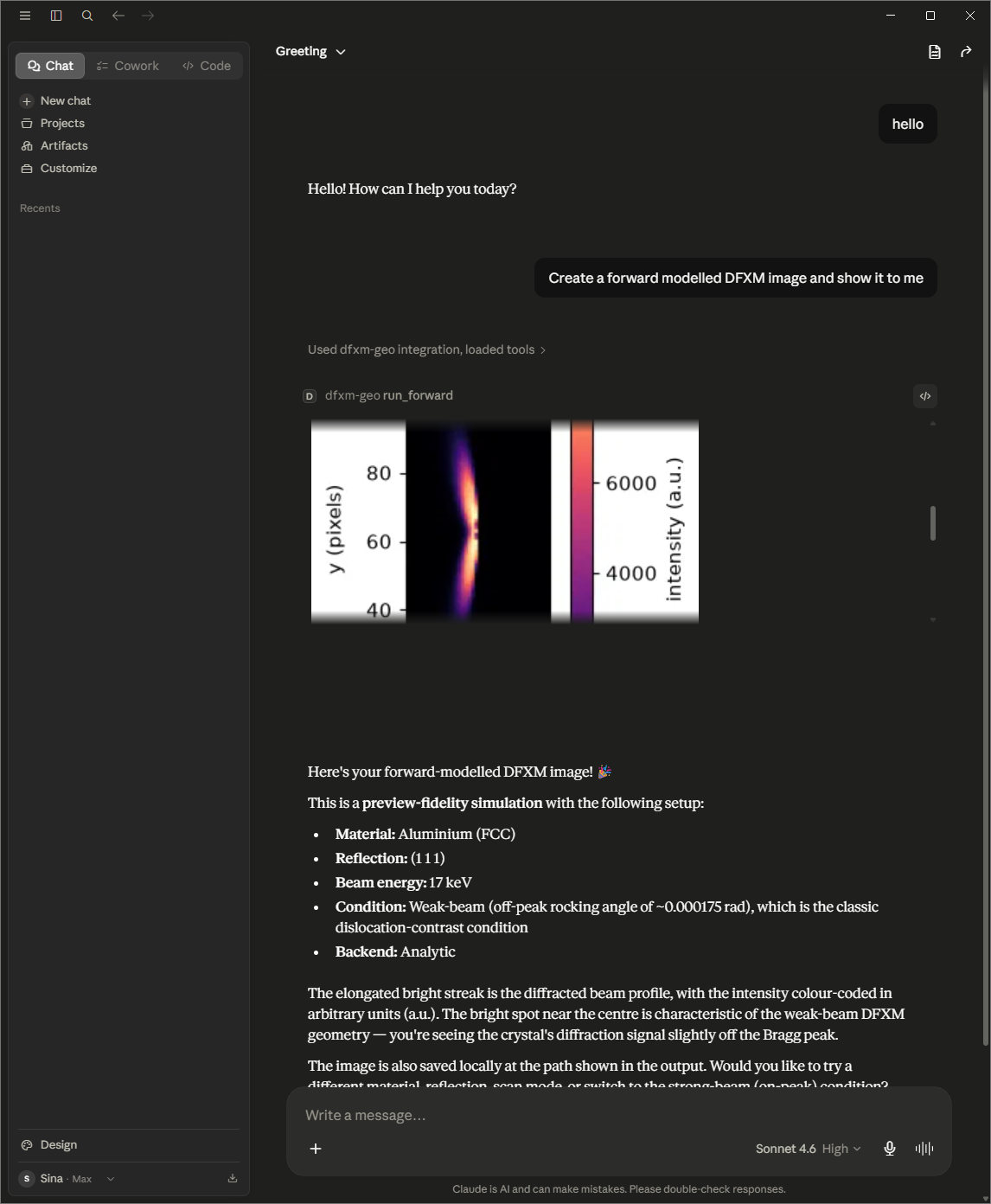
An MCP server that lets an AI client drive the dfxm-geo dark-field X-ray microscopy forward model: validate and scaffold configs, enumerate reachable reflections, and render preview-scale simulations.
Run
uvx dfxm-geo-mcp
Claude Desktop (claude_desktop_config.json):
{"mcpServers": {"dfxm-geo": {"command": "uvx", "args": ["dfxm-geo-mcp"]}}}
Or: pip install dfxm-geo-mcp then dfxm-geo-mcp.
First run pulls a heavy scientific stack (numba/scipy) and warms a JIT cache (~10 s once). No fake demo mode — the sims are real.
Tools
validate_config · find_reflections · predict_visibility (g·b reflection-visibility ranking; structured scores plus a self-contained .html) · scaffold_config · run_forward (analytic preview; saves a PNG and a self-contained .html) · run_rocking (interactive φ-rocking-curve viewer: a single self-contained .html with a frame scrubber + live rocking-curve plot) · start_bootstrap / get_job_status / get_job_result (MC fidelity).
Both run_forward and run_rocking write self-contained HTML (image(s) embedded, all CSS/JS inline, no external origins) that opens full-size in any browser and is surfaced by file-showing clients.
Architecture
A protocol-agnostic ops layer wrapping dfxm-geo, under a thin FastMCP adapter. See docs/superpowers/specs/.
Roadmap (v2)
run_identify · remote HTTP transport · .mcpb bundle.
Installation
Source-derived launch command. Check the maintainer’s required arguments and credentials before running:
uvx dfxm-geo-mcpSet up in your AI client
Merge this template into ~/Library/Application Support/Claude/claude_desktop_config.json. Keep existing servers. Add any arguments, credentials, and permissions required by the maintainer; this template has not been install-tested.
{
  "mcpServers": {
    "io-github-borgi-s-dfxm-geo-mcp": {
      "command": "uvx",
      "args": [
        "dfxm-geo-mcp"
      ]
    }
  }
}
Restart Claude Desktop completely for changes to take effect. Confirm the server appears connected in the client’s tool list, then try a read-only example from its documentation.
Claude Desktop setup referencePackage
dfxm-geo-mcppypiCompatible MCP Clients
io.github.borgi-s/dfxm-geo-mcp works with any MCP-compatible client. Copy the config snippet from the Configuration section above and add it to the file shown for your client, then restart the application.
- Claude Desktop
~/Library/Application Support/Claude/claude_desktop_config.jsonRestart Claude Desktop completely for changes to take effect. - Cursor
~/.cursor/mcp.jsonRestart Cursor for changes to take effect. - VS Code
.vscode/mcp.jsonReload VS Code window for changes to take effect. - Windsurf
~/.codeium/windsurf/mcp_config.jsonRestart Windsurf for changes to take effect. - Claude Code
.mcp.jsonSave at the project root, then start Claude Code in that project and review the MCP server approval prompt. Keep real credentials out of shared files.