io.github.Edge-Echo/mcp-netassist
Windows network and proxy diagnostics: GitHub reachability, proxy ports, DNS/TCP, and fixes.
mcp-netassist
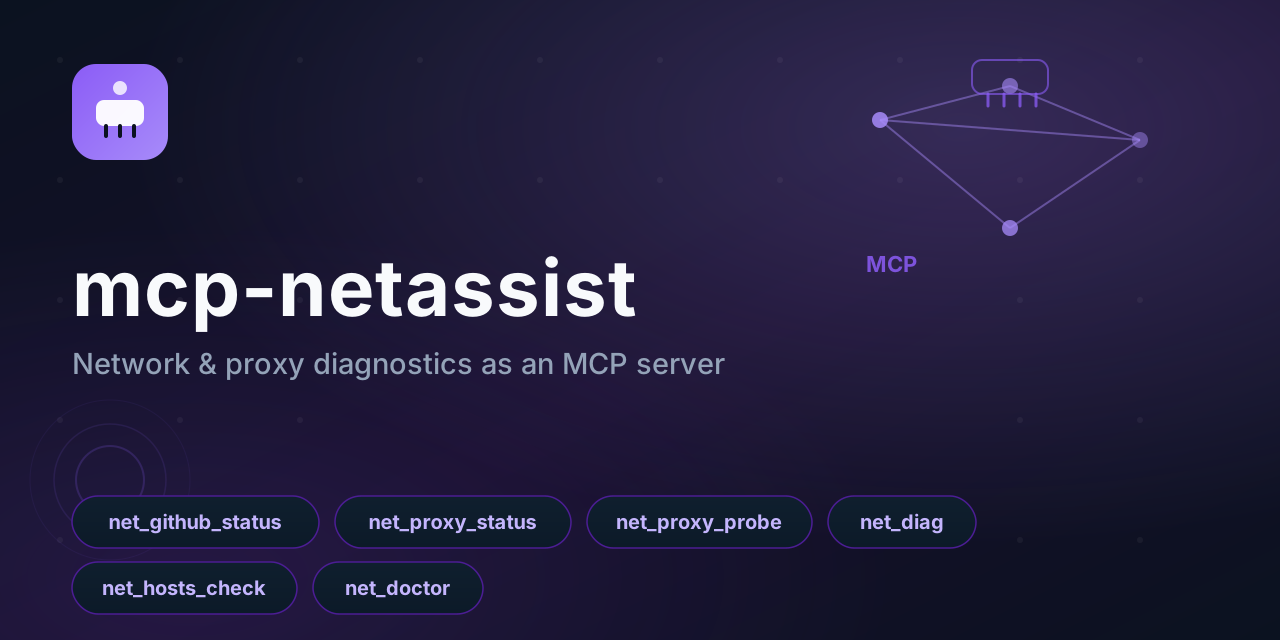



Part of the dsh-toolkit family: dsh-mcp-bridge · dsh-win-toolkit · dsh-netassist · dsh-driftwatch · mcp-netassist · dsh-ledger
Network & proxy diagnostics as an MCP server.
Works with any MCP client — Claude Code, Claude Desktop, Cursor, Reasonix, CodeWhale, DeepSeek Harness. Point your agent at it and ask "is GitHub reachable?", "why is my proxy not working?", "what should I change?" — instead of guessing.
Built for the China-network reality: flaky GitHub, proxies that are half-configured, hosts files that fight the proxy, and TUN mode that silently overrides the system proxy.
Windows-only for now: the checks call PowerShell. The protocol layer is portable; a POSIX backend is the obvious next step.
Platform
Windows. The checks read the system proxy from the Windows registry and shell out to
powershell.exe; on Linux and macOS the tools start but their checks cannot run, and they
report PowerShell failed: spawn powershell.exe ENOENT rather than pretending to have
checked something.
The packaging is portable (any MCP client can connect, the server speaks plain stdio), but the
diagnostics are Windows-specific today. A POSIX implementation would read the proxy from the
environment and use ss/lsof for port probing; that is not written yet, so the README says
Windows instead of implying otherwise.
Timing
Every check spawns a powershell.exe, and a cold one costs roughly 20 seconds to start. So on
a freshly booted Windows machine:
- the individual tools answer within about half a minute
net_doctorcan exceed a minute, because it runs four checks in parallel plus a port probe
Most MCP clients default to a 60-second request timeout, so net_doctor may time out on a cold
machine even though it is working. If that happens, call the individual checks (net_github_status,
net_proxy_status, net_hosts_check) instead, or raise your client's request timeout. Once
PowerShell has been used a few times the cost drops sharply.
Tools
| Tool | Answers |
|---|---|
net_github_status | Is github.com reachable right now? DNS, TCP 443, HTTPS status + latency |
net_proxy_status | What proxy is the system using? Registry settings + env vars, including a disabled-but-leftover value |
net_proxy_probe | Which local proxy ports are alive? (defaults: 10808, 10809, 7890, 7897, 8888, 1080) |
net_diag | Full chain for any host: DNS → TCP → HTTP status |
net_hosts_check | Which GitHub entries are pinned in the hosts file? |
net_doctor | The whole preflight, with concrete suggestions about what to change |
net_doctor is the point of this server. Other tools tell you what is wrong; it tells you what to do about it:
✔ System proxy: 127.0.0.1:10808
✔ Proxy port 10808 responding
✔ GitHub reachable (HTTP 200, 312 ms)
⚠ TUN-style adapter detected: clash
   Under TUN mode the system proxy setting is usually ignored — the two can fight each other.
✔ hosts file clean (no GitHub entries)

Suggested fix:
- Under TUN mode, clear the Windows system proxy (or exclude github.com) so traffic is not double-handled.
Setup
Claude Desktop / Cursor / any JSON-configured client:
{
  "mcpServers": {
    "netassist": {
      "command": "npx",
      "args": ["-y", "github:Edge-Echo/mcp-netassist"]
    }
  }
}
The built lib/ ships in the repository, so the GitHub form needs no build step.
From npm:
{
  "mcpServers": {
    "netassist": {
      "command": "npx",
      "args": ["-y", "mcp-netassist"]
    }
  }
}
Claude Code:
claude mcp add netassist -- npx -y github:Edge-Echo/mcp-netassist
DeepSeek Harness (same diagnostics as a native plugin, plus net_doctor as an agent tool):
dsh plugin --profile web add dsh-netassist
From a checkout:
{
  "mcpServers": {
    "netassist": { "command": "node", "args": ["/path/to/mcp-netassist/lib/server.js"] }
  }
}
In a container:
docker build -t mcp-netassist .
docker run -i --rm mcp-netassist
The image is also what directory listings use for introspection checks. Inside a Linux container the server starts and answers
initialize/tools/listnormally; the tools themselves need Windows PowerShell, and say so when it is missing.
Design notes
- Read-only. No tool writes config, changes the proxy, or edits the hosts file. It reports and suggests; you decide.
- Injection-safe. Every user input crosses the PowerShell boundary as Base64, never as interpolated text.
- No hidden state. Each call runs its own checks; nothing is cached between calls, so results are always current.
- Two dependencies (
@modelcontextprotocol/sdk,zod), no native modules.
Related
Part of the dsh-toolkit family — the same diagnostics also ship as a DeepSeek Harness plugin (dsh-netassist), which adds net_doctor as an agent tool.
License
MIT
Installation
Source-derived launch command. Check the maintainer’s required arguments and credentials before running:
npx -y mcp-netassistSet up in your AI client
Merge this template into ~/Library/Application Support/Claude/claude_desktop_config.json. Keep existing servers. Add any arguments, credentials, and permissions required by the maintainer; this template has not been install-tested.
{
  "mcpServers": {
    "io-github-edge-echo-mcp-netassist": {
      "command": "npx",
      "args": [
        "-y",
        "mcp-netassist"
      ]
    }
  }
}
Restart Claude Desktop completely for changes to take effect. Confirm the server appears connected in the client’s tool list, then try a read-only example from its documentation.
Claude Desktop setup referencePackage
mcp-netassistnpmCompatible MCP Clients
io.github.Edge-Echo/mcp-netassist works with any MCP-compatible client. Copy the config snippet from the Configuration section above and add it to the file shown for your client, then restart the application.
- Claude Desktop
~/Library/Application Support/Claude/claude_desktop_config.jsonRestart Claude Desktop completely for changes to take effect. - Cursor
~/.cursor/mcp.jsonRestart Cursor for changes to take effect. - VS Code
.vscode/mcp.jsonReload VS Code window for changes to take effect. - Windsurf
~/.codeium/windsurf/mcp_config.jsonRestart Windsurf for changes to take effect. - Claude Code
.mcp.jsonSave at the project root, then start Claude Code in that project and review the MCP server approval prompt. Keep real credentials out of shared files.