io.github.icohangar-ops/codesentinel-mcp
Codebase health MCP: dead code, cycles, coupling, architectural drift.
CodeHealth MCP
Codebase health analysis that works everywhere. Dead code, circular dependencies, coupling issues, and architectural drift — exposed as MCP tools for Claude Desktop, Cursor, Windsurf, and Slack.





The Problem
Dead code, circular dependencies, excessive coupling, and architectural drift are invisible in day-to-day work. Static analysis tools produce noise in CI dashboards nobody checks. CodeHealth MCP brings these insights into the tools developers actually use — via the Model Context Protocol.
What CodeHealth MCP Does
7 analysis tools, available in any MCP-compatible client:
| Tool | What It Finds |
|---|---|
analyze_dead_code | Unused functions, classes, modules with file:line + fix suggestions |
detect_circular_deps | Module import cycles via DFS with impact assessment |
analyze_coupling | Fan-out per module, tight cluster detection, refactoring suggestions |
detect_architectural_drift | Layer boundary violations (UI→Data, Business→UI, etc.) |
full_health_scan | All four analyses + 0–100 health score + prioritized action items |
explain_finding | AI-powered detailed explanation of any finding |
check_mcp_health | Remote MCP handshake (initialize + tools/list), schema drift, secret scan — HTTP 200 is not healthy |
Where It Works
| Client | How to Add |
|---|---|
| Claude Desktop | Add to claude_desktop_config.json |
| Cursor / Windsurf | Add to MCP settings |
| Slack | Built-in Agent Builder integration with Block Kit UI |
| Any MCP client | Standard MCP server (stdio) or remote Streamable HTTP |
Claude Desktop Config (stdio)
{
  "mcpServers": {
    "codehealth": {
      "command": "node",
      "args": ["/path/to/codehealth-mcp/mcp-server/index.js"]
    }
  }
}
Remote Streamable HTTP (Glama / hosted)
Public HTTPS + streamable-http is required to list CodeSentinel as a Glama remote connector. Replace the host from your deploy env — do not commit a fake hostname.
export MCP_BEARER_TOKEN="replace-with-a-long-random-secret"
npm run mcp:http
Local default: http://127.0.0.1:8787/mcp (health: GET /health). Production must be HTTPS.
{
  "mcpServers": {
    "codesentinel": {
      "type": "streamable-http",
      "url": "https://${MCP_HTTP_HOST}/mcp",
      "headers": {
        "Authorization": "Bearer ${MCP_BEARER_TOKEN}"
      }
    }
  }
}
Cursor / Claude remote connectors use the same url + Authorization header. Unauthenticated /mcp returns HTTP 401. LLM_API_KEY and other provider keys stay on the server and are never echoed.
Deploy on Vercel (public HTTPS)
Stateless Streamable HTTP (JSON request/response) runs on Vercel Fluid Compute. No sticky sessions. Do not invent a hostname — use the URL Vercel assigns.
npx vercel          # preview
npx vercel env add MCP_BEARER_TOKEN     # required for /mcp — fail-closed Bearer auth
npx vercel env add LLM_API_KEY          # optional, server-side only
npx vercel env add DAYTONA_API_KEY      # optional, isolated GitHub scans
npx vercel env add GITHUB_TOKEN         # optional, private repo fetch
npx vercel --prod
# GET /health must be 200 even if MCP_BEARER_TOKEN is not set yet.
After deploy, the MCP endpoint is:
https://$VERCEL_PROJECT_PRODUCTION_URL/mcp
(VERCEL_URL for a specific deployment). Health: https://$VERCEL_PROJECT_PRODUCTION_URL/health.
Turn off Vercel Deployment Protection on the production host, or Glama/clients cannot complete initialize.
Glama connector fields (fill after the Vercel URL exists)
| Field | Value |
|---|---|
| Type | Connector (remote MCP) |
| Server URL | https://$VERCEL_PROJECT_PRODUCTION_URL/mcp |
| Transport | streamable-http |
| Auth | API Key / Bearer |
| Header | Authorization |
| Header value | Bearer $MCP_BEARER_TOKEN (same secret as the Vercel env) |
| Ownership claim | https://$VERCEL_PROJECT_PRODUCTION_URL/.well-known/glama.json (static public/ file) |
See docs/mcp-http.md for Vercel env vars, Fluid Compute notes, and Docker/Fly fallback.
Quick Start
git clone https://github.com/icohangar-ops/codesentinel.git
cd codesentinel
npm install
cp .env.sample .env
# Edit .env with your LLM API key (and MCP_BEARER_TOKEN for HTTP mode)
npm start
HTTP MCP (same tools, Bearer auth):
export MCP_BEARER_TOKEN="replace-with-a-long-random-secret"
npm run mcp:http
npm run mcp:http:smoke
Use in Claude Desktop
Run a full health scan on /path/to/my/repo
Find circular dependencies in the frontend
Check coupling metrics in src/services
Check MCP health on https://example.com/mcp
Remote MCP protocol health (not HTTP uptime)
A remote MCP endpoint can return HTTP 200 while initialize, tools/list,
or the SSE stream fails. CodeSentinel probes the protocol itself:
- Synthetic Streamable HTTP / legacy SSE handshake (
initialize+tools/list) - Canonical tool-schema hash and drift alarms
- Discovery-latency metrics
- Secret scanning of tool descriptions/schemas before they enter agent context
npm test
npm run mcp:health -- https://example.com/mcp
Library: src/lib/mcp-health. Analyzer: lib/analyzers/mcp-health.js.
Full write-up: docs/mcp-health.md.
Daytona sandbox scans (optional)
Set DAYTONA_API_KEY (and optionally GITHUB_TOKEN for private repos). MCP tools and Slack analysis will shallow-clone GitHub URLs in a Daytona VM and return live import-graph findings instead of demo data.
Fallback behavior (honest demo): when Daytona is unavailable or a live scan misses its deadline (SCAN_DEADLINE_MS in lib/repo-fetcher.js), lib/analysis-engine.js flags the request fallback: true and the analyzers return deterministic demo findings rather than leaving the request unanswered — an intentional, documented fallback (lib/analysis-engine.js, lib/repo-fetcher.js), not a silent error. Live scans are marked scanMode: "daytona".
full_health_scan repo_path=https://github.com/org/repo
Use in Slack
Add the Slack app manifest, enable Agent Builder, and @CodeHealth in any channel.
Architecture
┌──────────────────────────────────────────┐
│          MCP CLIENT (any)                │
│  Claude Desktop, Cursor, Slack, etc.     │
└──────────────────┬───────────────────────┘
                   │ MCP Protocol (stdio or Streamable HTTP)
┌──────────────────▼───────────────────────┐
│         CODEHEALTH MCP SERVER            │
│                                          │
│  🔧 analyze_dead_code                    │
│  🔧 detect_circular_deps                 │
│  🔧 analyze_coupling                     │
│  🔧 detect_architectural_drift           │
│  🔧 full_health_scan                     │
│  🔧 explain_finding                      │
│  🔧 check_mcp_health                     │
│                                          │
│  ┌──────────────────────────────────┐    │
│  │       Analysis Engine            │    │
│  │  dead-code | circular-deps       │    │
│  │  coupling | drift | mcp-health   │    │
│  └──────────────────────────────────┘    │
│                                          │
│  ┌──────────────────────────────────┐    │
│  │       LLM Provider               │    │
│  │  Deepseek / OpenAI / Anthropic   │    │
│  └──────────────────────────────────┘    │
└──────────────────────────────────────────┘
Slack Integration
CodeHealth MCP ships with a full Slack Agent Builder app featuring:
- Block Kit UI — Severity-coded findings, health scores, actionable suggestions
- Thread-based conversations — Follow-up analysis in threads
- Suggested prompts — One-click analysis triggers
- MCP server — Same tools, available everywhere
Demo Sandbox (Devpost judges)
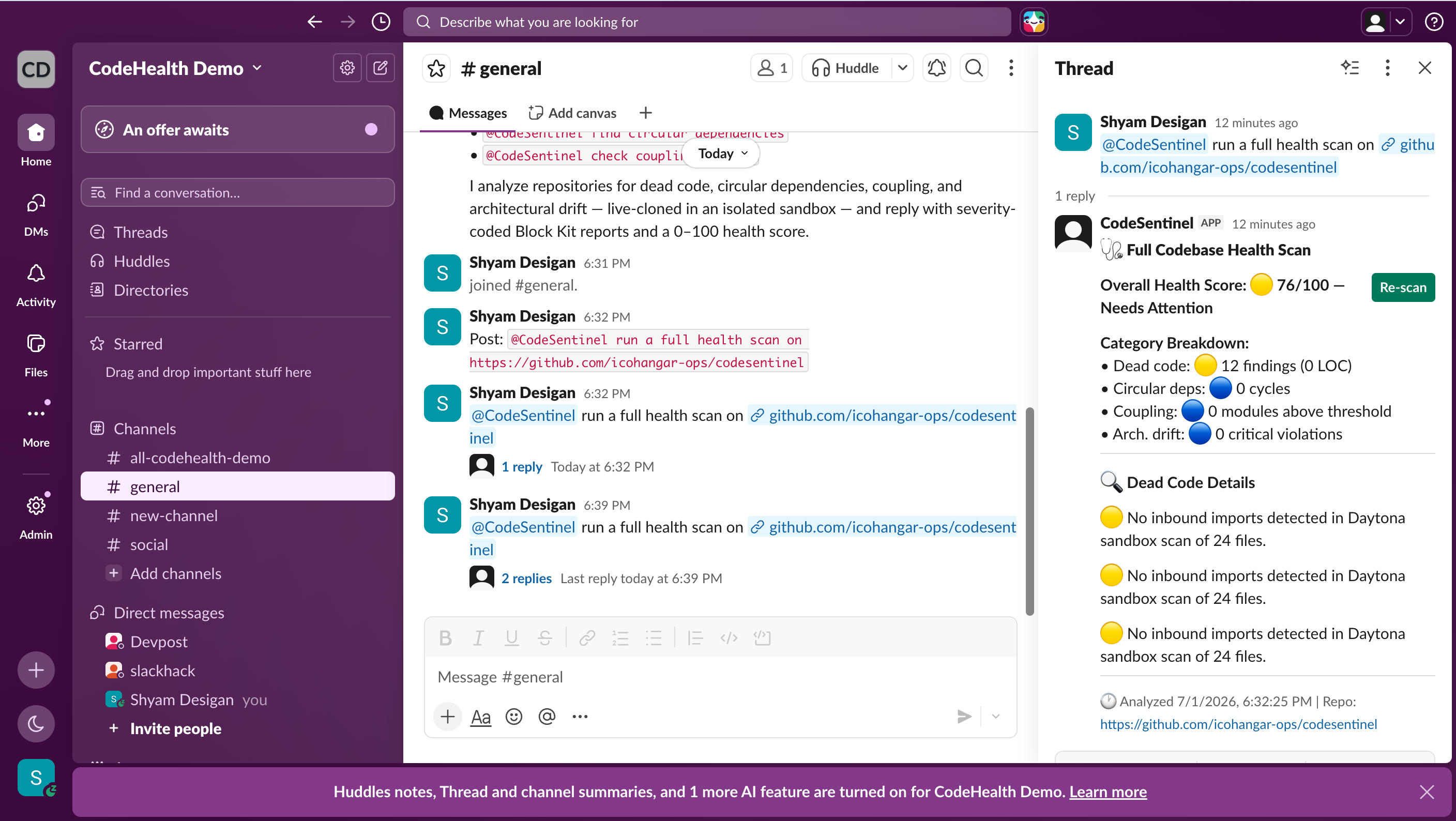
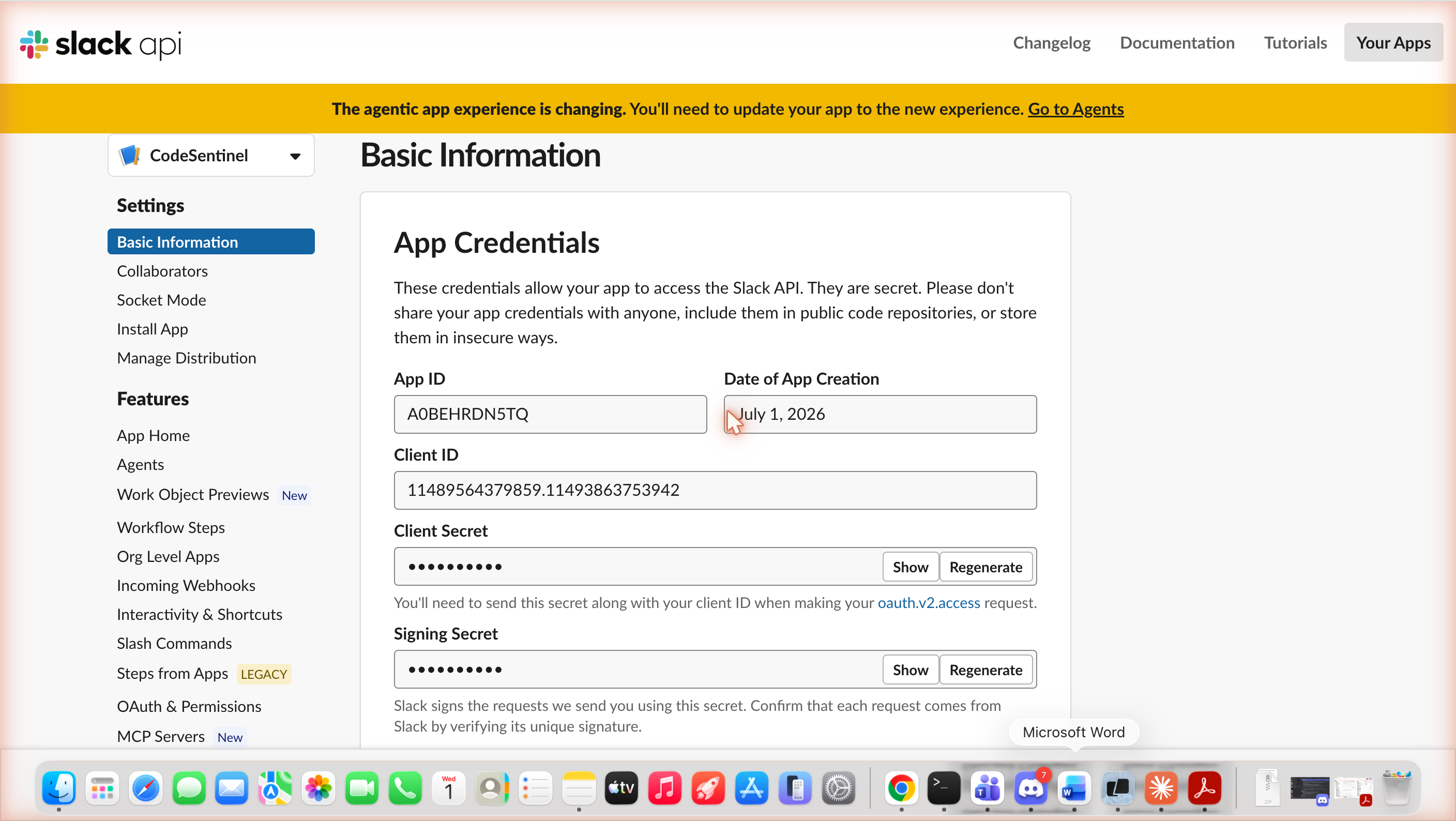
The live demo workspace is codehealthdemo.slack.com — the CodeSentinel agent (App ID A0BEHRDN5TQ) is installed and authorized there. Mention it in any channel:
@CodeSentinel run a full health scan on https://github.com/icohangar-ops/codesentinel
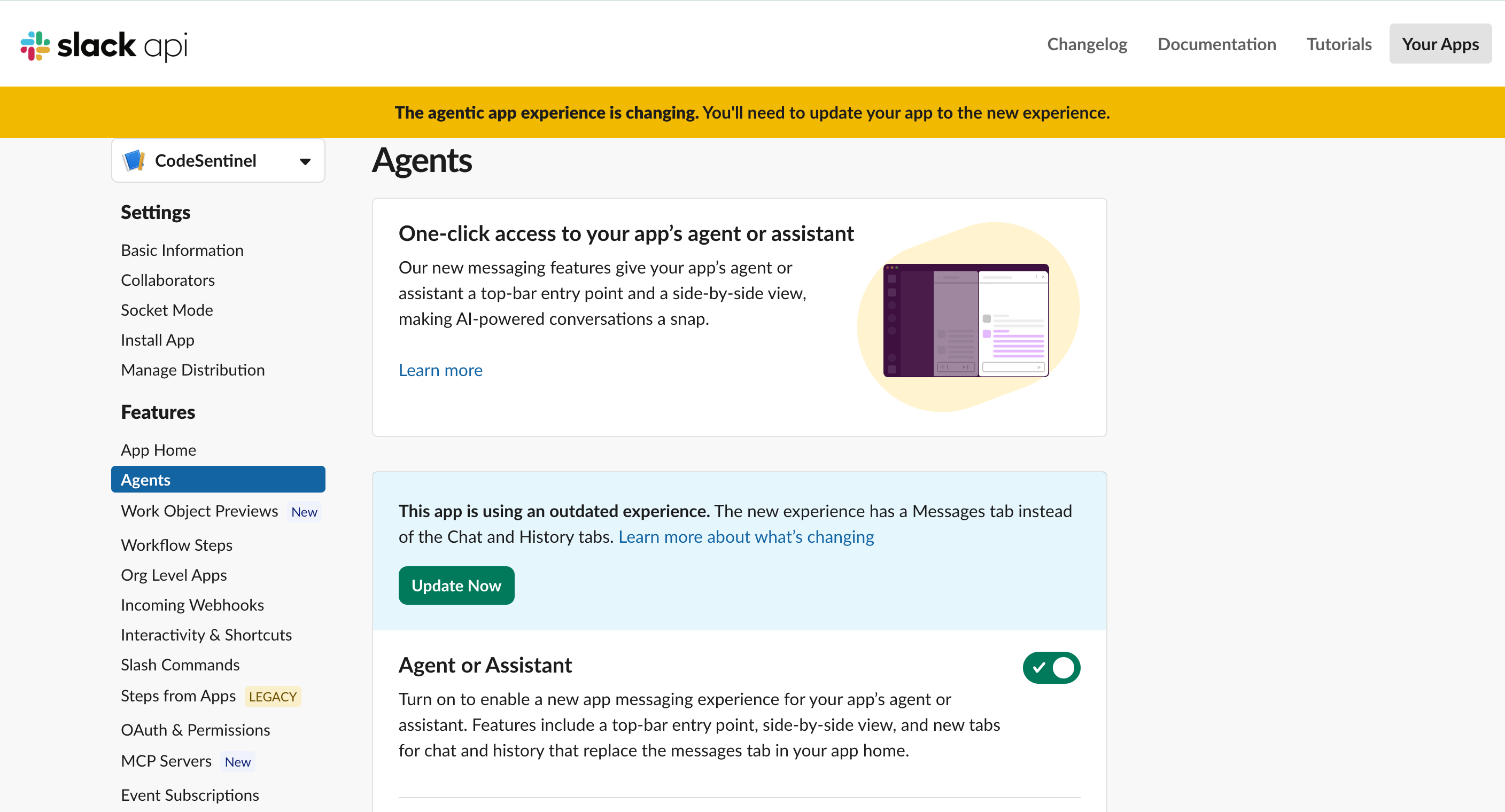
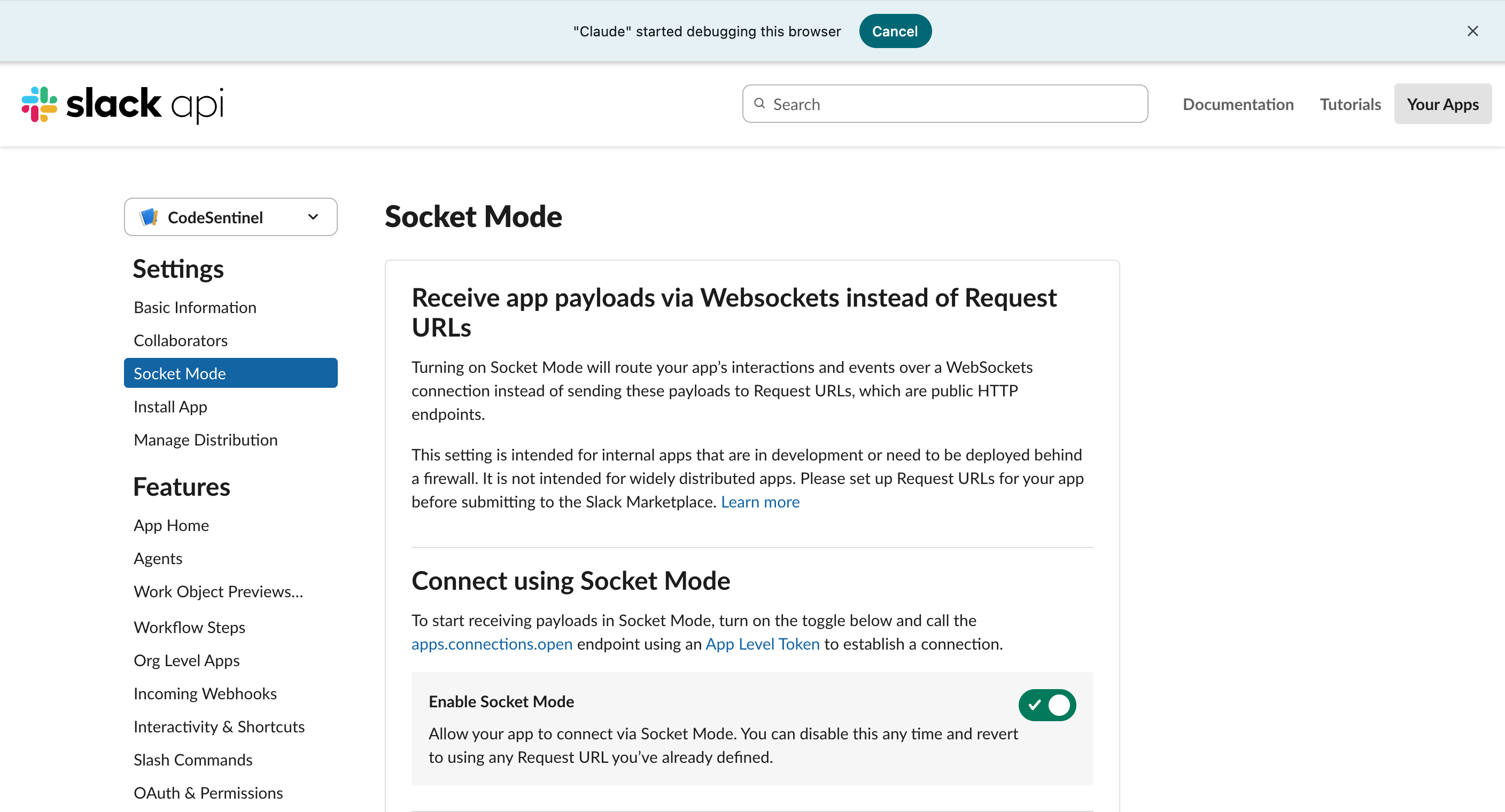
Sandbox configuration:
Live agent response in the sandbox — a real @CodeSentinel mention in #general triggering a Daytona-sandboxed repo scan:
| App credentials & App ID | Agent capability enabled | Socket Mode enabled |
|---|---|---|
 |  |  |
Adding Custom Analyzers
Each analyzer follows a simple interface:
function analyze(repoInfo) {
  return {
    type: "your_analysis_type",
    findings: [
      {
        type: "finding_type",
        severity: "critical" | "warning" | "info",
        file: "path/to/file.ts",
        line: 42,
        name: "symbol_name",
        reason: "Why this is a problem",
        suggestion: "How to fix it",
      },
    ],
    stats: { /* summary metrics */ },
  };
}
Add a new analyzer in lib/analyzers/, register it in analysis-engine.js, and it's automatically available in Slack and via MCP.
Roadmap
- Real AST analysis — ts-morph for TypeScript, tree-sitter for multi-language
- GitHub App — Automatic analysis on PRs with inline comments
- Historical trends — Track health score over time per repo
- Custom architecture rules — Define layer boundaries via config
- Team dashboards — Aggregate health in Slack Canvas
Propagation Matrix — Wave C rows
Row 18 — always-answer degradation ladder: ADOPTED (summary step)
The Slack assistant flow (listeners/assistant/message.js) runs a deterministic scan (runAnalysis) and then requests an AI executive summary (lib/llm-provider.js). Before this change, an LLMUnavailableError at the summary step failed the whole flow — a completed deterministic scan was discarded and the user received an error. The summary step now runs through summarizeWithLadder (row 18's bounded ladder, FULL → DEGRADED): LLM unavailability degrades explicitly — the findings ship without the narrative, labeled in-line ("AI summary unavailable — LLM unreachable. Deterministic findings only"), and LLMUnavailableError remains the typed failure for everything else. Non-unavailability errors still fail loud. Tests: test/assistant-degradation.test.js (ladder behavior + labeled degraded marker in lib/block-kit-builder.js).
Revisit trigger: the analysis path itself becomes model-dependent (model-scored findings rather than a model-summarized report) — then the ladder must extend to cover findings generation, not just the summary.
Project Structure
codehealth-mcp/
├── app.js                    # Bolt app entry (Slack)
├── manifest.json             # Slack app manifest
├── lib/
│   ├── analysis-engine.js    # Analysis orchestrator + health score
│   ├── intent-parser.js      # NLP intent classification
│   ├── block-kit-builder.js  # Rich Slack UI
│   ├── llm-provider.js       # Multi-provider LLM
│   └── analyzers/            # dead-code, circular-deps, coupling, drift, mcp-health
├── src/lib/
│   ├── resilience/           # safeFetch / retry
│   └── mcp-health/           # handshake, schema hash, secret scan, CLI
├── mcp-server/
│   ├── index.js              # MCP stdio entry (unchanged tools)
│   ├── http.js               # Streamable HTTP (stateless, Bearer auth)
│   ├── create-server.js      # Shared tool registration
│   └── package.json
├── docs/mcp-http.md          # Remote / Glama / Fly / Railway notes
├── test/                     # handshake / HTTP transport / secret-scan tests
└── functions/                # Slack function definitions
Community & Registry
CodeHealth MCP is listed in the following directories:
- awesome-mcp-servers – A curated list of MCP servers.
- MCP Registry – Official registry for Model Context Protocol servers.
- Glama – Remote connectors must be public HTTPS speaking
streamable-http(seedocs/mcp-http.md).
License
MIT. See LICENSE.
Installation
Source-derived launch command. Check the maintainer’s required arguments and credentials before running:
npx -y @cubiczan/codesentinel-mcpSet up in your AI client
Merge this template into ~/Library/Application Support/Claude/claude_desktop_config.json. Keep existing servers. Add any arguments, credentials, and permissions required by the maintainer; this template has not been install-tested.
{
  "mcpServers": {
    "io-github-icohangar-ops-codesentinel-mcp": {
      "command": "npx",
      "args": [
        "-y",
        "@cubiczan/codesentinel-mcp"
      ]
    }
  }
}
Restart Claude Desktop completely for changes to take effect. Confirm the server appears connected in the client’s tool list, then try a read-only example from its documentation.
Claude Desktop setup referencePackage
@cubiczan/codesentinel-mcpnpmCompatible MCP Clients
io.github.icohangar-ops/codesentinel-mcp works with any MCP-compatible client. Copy the config snippet from the Configuration section above and add it to the file shown for your client, then restart the application.
- Claude Desktop
~/Library/Application Support/Claude/claude_desktop_config.jsonRestart Claude Desktop completely for changes to take effect. - Cursor
~/.cursor/mcp.jsonRestart Cursor for changes to take effect. - VS Code
.vscode/mcp.jsonReload VS Code window for changes to take effect. - Windsurf
~/.codeium/windsurf/mcp_config.jsonRestart Windsurf for changes to take effect. - Claude Code
.mcp.jsonSave at the project root, then start Claude Code in that project and review the MCP server approval prompt. Keep real credentials out of shared files.