io.github.zlatkoc/youtube-summarize
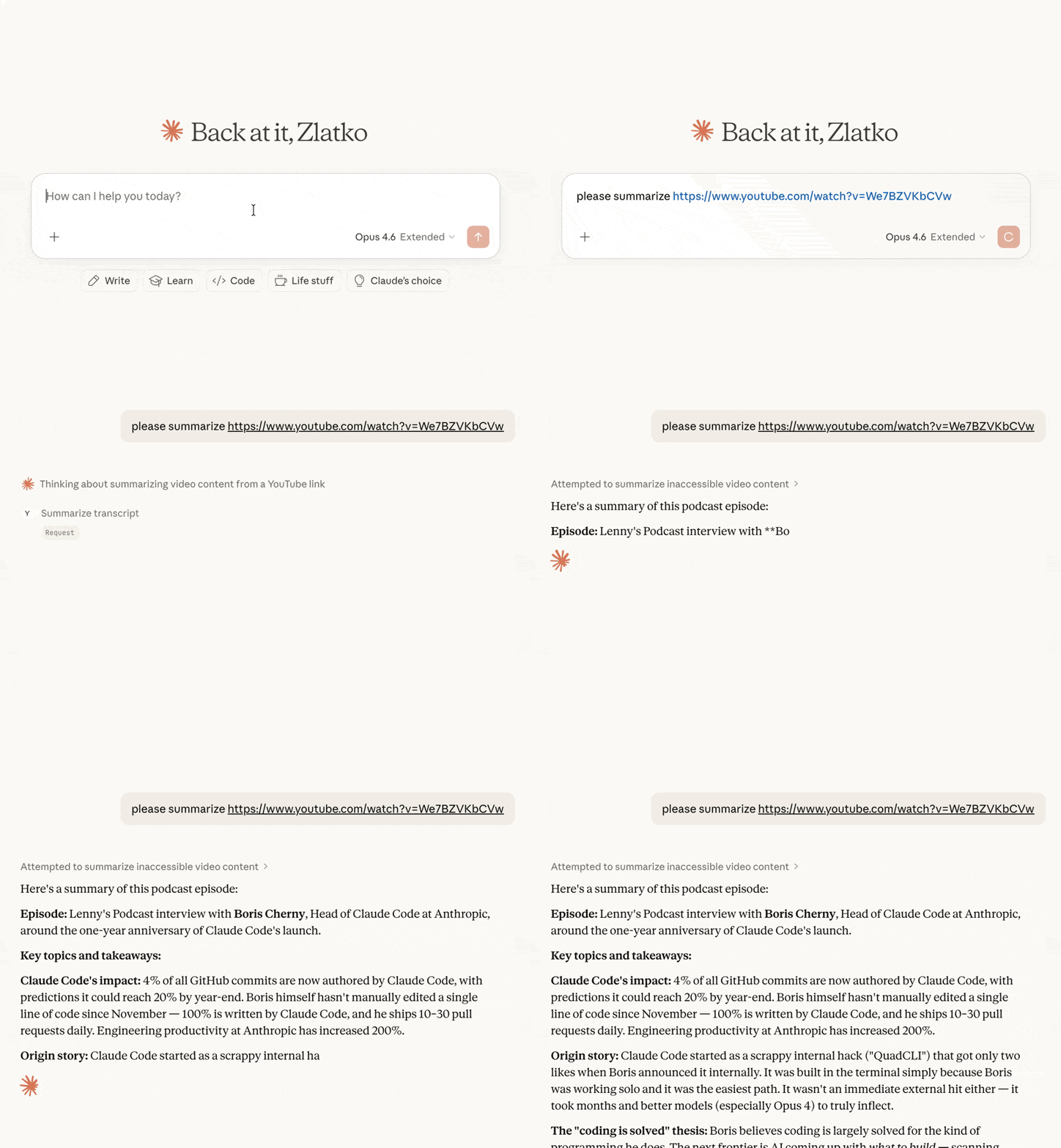
MCP server that fetches YouTube video transcripts and optionally summarizes them
youtube-summarize
MCP server that fetches YouTube video transcripts and optionally summarizes them.
Features
- Fetch transcripts in multiple formats (text, JSON, SRT, WebVTT, pretty-print)
- Summarize videos — returns transcript with instructions for the LLM to produce a summary
- List available languages for any video's transcripts
- Flexible URL parsing — accepts full YouTube URLs (
youtube.com/watch?v=,youtu.be/,youtube.com/embed/,youtube.com/shorts/) or bare video IDs - Multi-language support — request transcripts in specific languages with fallback priority
Tools
get_transcript
Fetch a YouTube video's transcript.
| Parameter | Type | Default | Description |
|---|---|---|---|
url | string | required | YouTube video URL or video ID |
languages | string[] | ["en"] | Preferred languages in priority order |
format | string | "text" | Output format: text, json, pretty, webvtt, srt |
preserve_formatting | boolean | false | Keep HTML formatting tags in the transcript |
summarize_transcript
Fetch a transcript and return it with summarization instructions for the LLM client.
| Parameter | Type | Default | Description |
|---|---|---|---|
url | string | required | YouTube video URL or video ID |
prompt | string | (default prompt) | Custom summarization instructions |
languages | string[] | ["en"] | Preferred languages in priority order |
list_transcripts
List available transcript languages for a video.
| Parameter | Type | Default | Description |
|---|---|---|---|
url | string | required | YouTube video URL or video ID |
Installation
Quick start (recommended)
uvx youtube-summarize
Claude Desktop
Add to your claude_desktop_config.json:
- macOS:
~/Library/Application Support/Claude/claude_desktop_config.json - Windows:
%APPDATA%\Claude\claude_desktop_config.json
{
  "mcpServers": {
    "youtube-summarize": {
      "command": "uvx",
      "args": ["youtube-summarize"]
    }
  }
}
Claude Code
claude mcp add youtube-summarize -- uvx youtube-summarize
Other MCP clients
Run the server over stdio:
uvx youtube-summarize
Prerequisites
- Python 3.13+
- uv package manager
Development
# Install dependencies
uv sync

# Launch the MCP inspector (web UI for testing tools)
uv run mcp dev main.py
License
MIT
mcp-name: io.github.zlatkoc/youtube-summarize
Installation
Source-derived launch command. Check the maintainer’s required arguments and credentials before running:
uvx youtube-summarizeSet up in your AI client
Merge this template into ~/Library/Application Support/Claude/claude_desktop_config.json. Keep existing servers. Add any arguments, credentials, and permissions required by the maintainer; this template has not been install-tested.
{
  "mcpServers": {
    "io-github-zlatkoc-youtube-summarize": {
      "command": "uvx",
      "args": [
        "youtube-summarize"
      ]
    }
  }
}
Restart Claude Desktop completely for changes to take effect. Confirm the server appears connected in the client’s tool list, then try a read-only example from its documentation.
Claude Desktop setup referencePackage
youtube-summarizepypiCompatible MCP Clients
io.github.zlatkoc/youtube-summarize works with any MCP-compatible client. Copy the config snippet from the Configuration section above and add it to the file shown for your client, then restart the application.
- Claude Desktop
~/Library/Application Support/Claude/claude_desktop_config.jsonRestart Claude Desktop completely for changes to take effect. - Cursor
~/.cursor/mcp.jsonRestart Cursor for changes to take effect. - VS Code
.vscode/mcp.jsonReload VS Code window for changes to take effect. - Windsurf
~/.codeium/windsurf/mcp_config.jsonRestart Windsurf for changes to take effect. - Claude Code
.mcp.jsonSave at the project root, then start Claude Code in that project and review the MCP server approval prompt. Keep real credentials out of shared files.